In this article, we’ll describe how to Split/Group Panels in the Quote Designer.
Split/Group Panels in the Designer
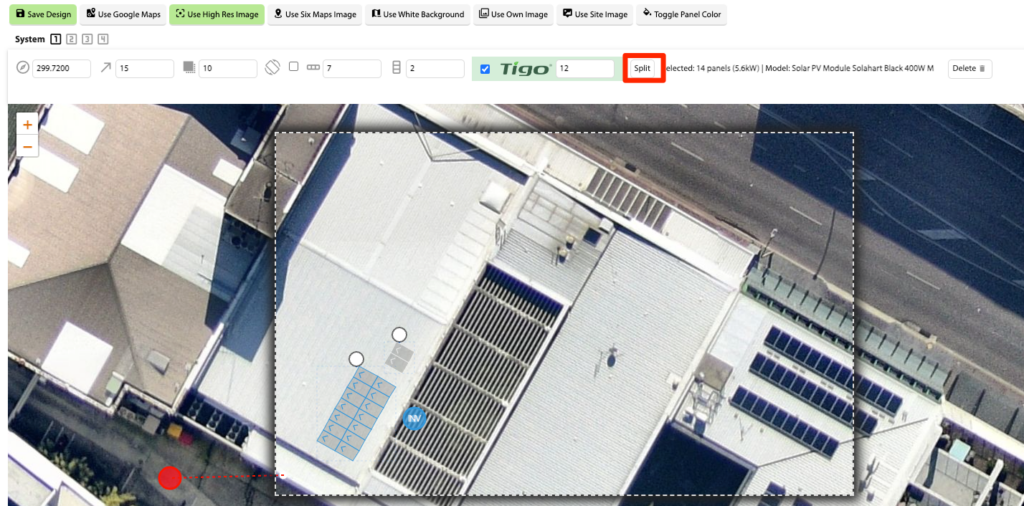
In the Quote Designer, select a Panel Array and click the Split button.
This will split the array into individual panels so they can be moved or deleted.
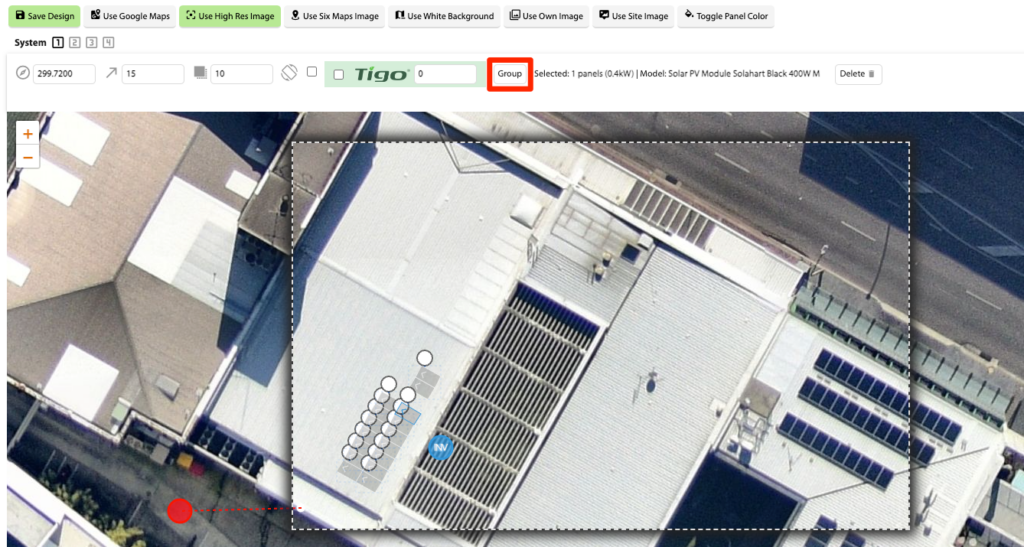
Once the panels have been edited, select any of the panels and click Group.
This also happens automatically on Save.
NOTE: If the Panel Array is modified (e.g., Rows or Columns change), the system will reset the Panel Array, and changes made to individual panels will be lost.
 Added in Version 0.37